Mercury Atlas 3D
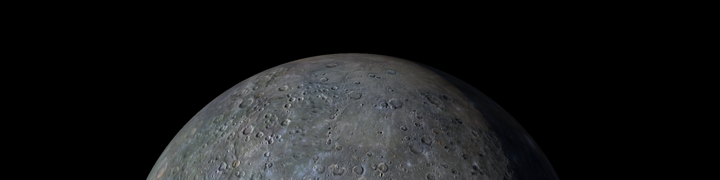
Mercury Atlas 3D is for anyone who thinks the Solar System’s smallest planet deserves a closer look than “hot grey dot near the Sun.” The app turns Mercury into an interactive 3D globe you can rotate, zoom, search, and explore without needing a spacecraft, a heat shield, or an alarming amount of sunscreen. Spin from a full-planet view down toward the surface, then jump to named craters, scarps, plains, faculae, troughs, chains, albedo features, and other very Mercury-looking bits of planetary drama.
Realistic 3D Globe
Accurate lighting and surface shadows
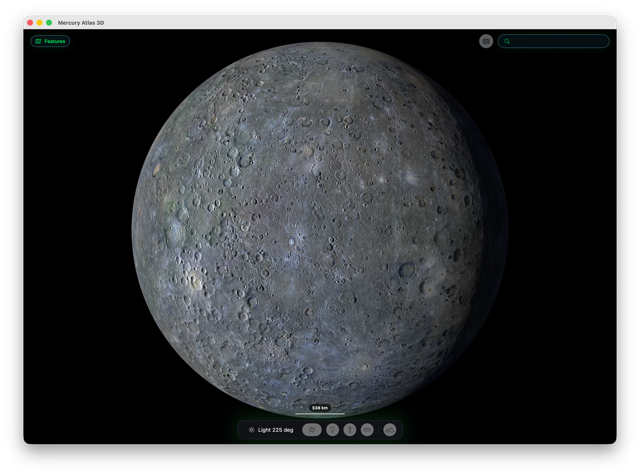
The surface is rendered with textured relief, so Mercury feels like a battered, wrinkled world rather than a flat map wrapped around a ball. Surface Options let you change quality levels, include satellite imagery, and switch on false-colour views when you want the planet to stop being subtle and start showing off.
False colour overlay
See height relief as a colour coded overlay
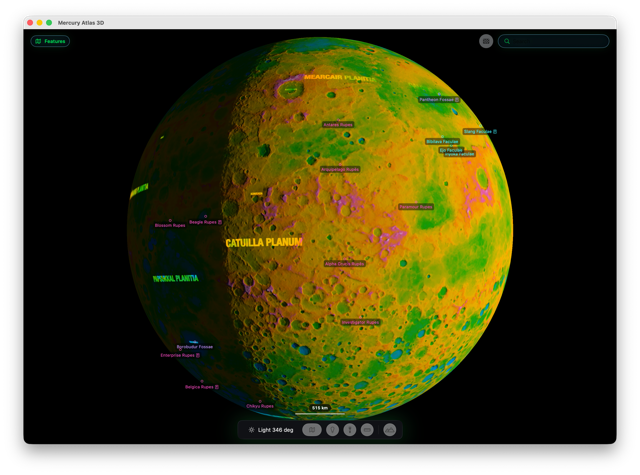
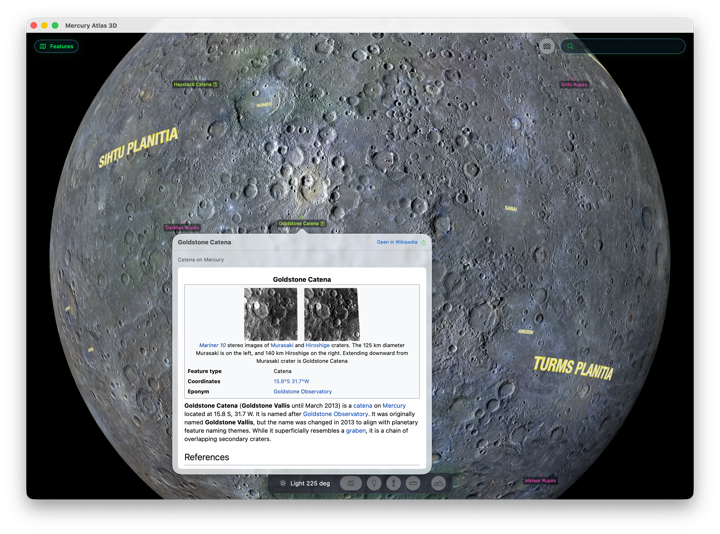
Feature labels, search, Wikipedia popovers, shareable location links, a scale bar, measurement tools, and country outline comparisons make it useful as well as pretty. It is a compact atlas for exploring impact basins, long cliff-like scarps, bright patches, strange terrain, and the general evidence that Mercury has had a rough few billion years.
Satellite imagery
Zoom in closer and you’ll see real satellite surface imagery
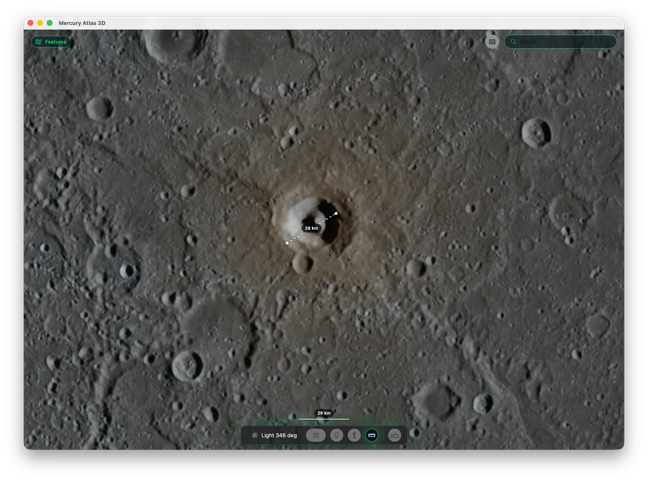
Lighting controls let you adjust the illumination and watch the terrain respond, which is especially satisfying on a world where shadows do a lot of the storytelling. The vibe is simple: spin Mercury, find weird features, switch on nerdy overlays, measure things, and enjoy visiting the closest planet to the Sun from somewhere much more comfortable.
Wikipedia article links
Hundreds of surface features named and linked
 A single purchase will set you up with iPhone, iPad and Mac apps - small planet, excellent deal!
Want to keep planet-hopping? Check out Moon Atlas 3D and Mars Atlas 3D