Moon Atlas 3D
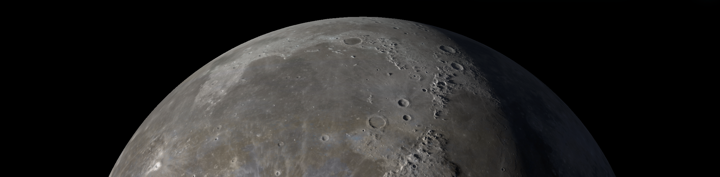
Moon Atlas 3D is a hands-on way to explore the Moon without needing a telescope, a launch window, or a suspiciously large travel budget.
Realistic 3D Globe
Accurate lighting and surface shadows
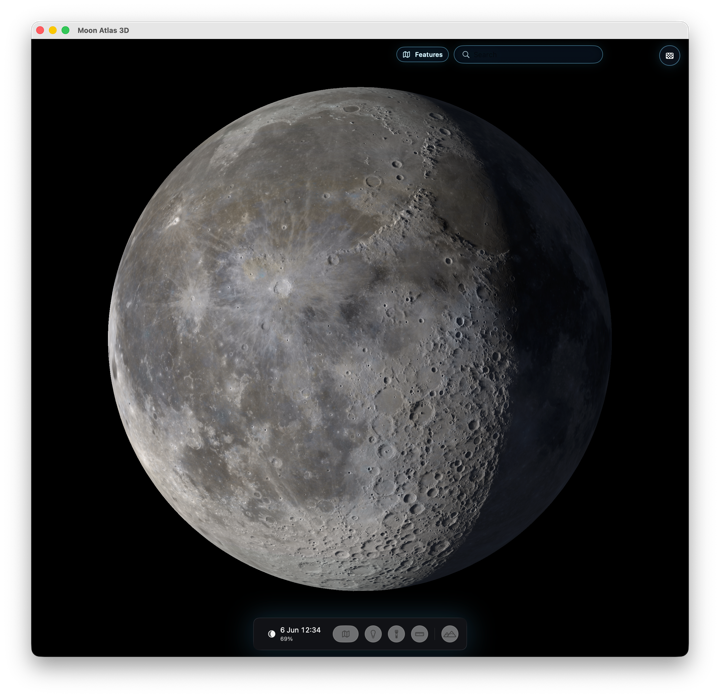 At its heart, it is an interactive 3D globe of the Moon. You can drag to spin it, zoom from a full-disk view down toward the surface, and poke around craters, maria, mountains, rilles, valleys, ridges, lakes, bays, and Apollo landing sites. It is built for the pleasant kind of curiosity where one minute you are checking Mare Tranquillitatis and the next you are wandering over to Tycho because the rays look too good to ignore.
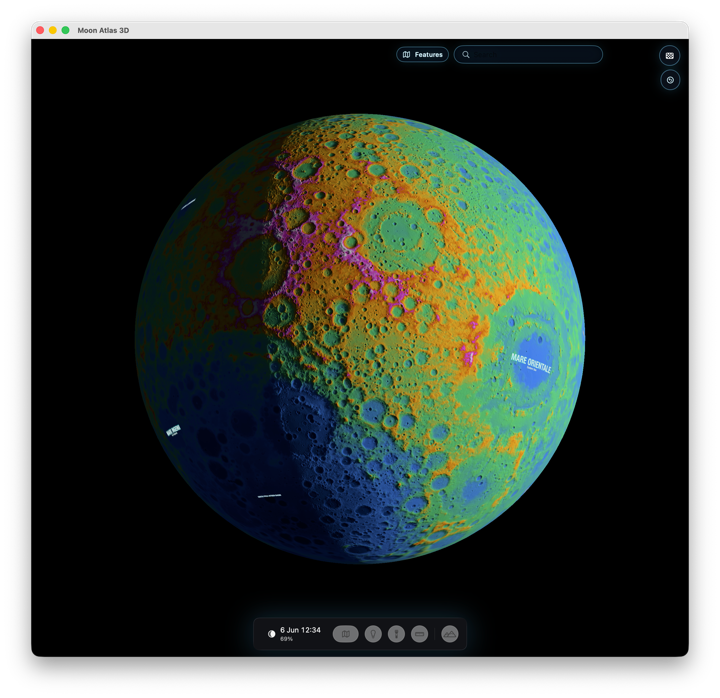
The app uses high-resolution Moon textures with displacement relief, so the surface has shape rather than feeling like a flat picture wrapped around a ball. If you want more detail, Surface Options lets you switch quality levels and turn on live satellite imagery. There are also map overlays for geology and false-colour height, which are great when you want to stop admiring the Moon and start asking what all those features actually are.
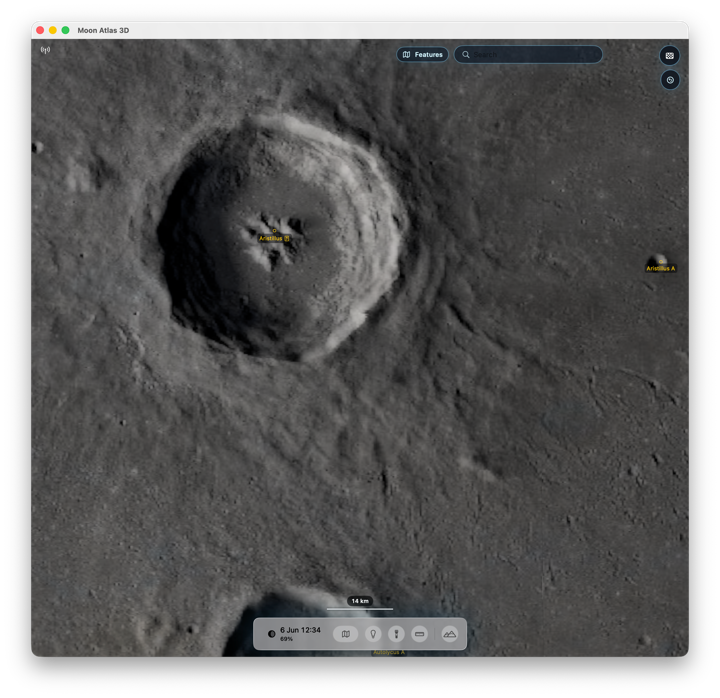
Satellite imagery
Zoom in closer and you’ll see real satellite surface imagery
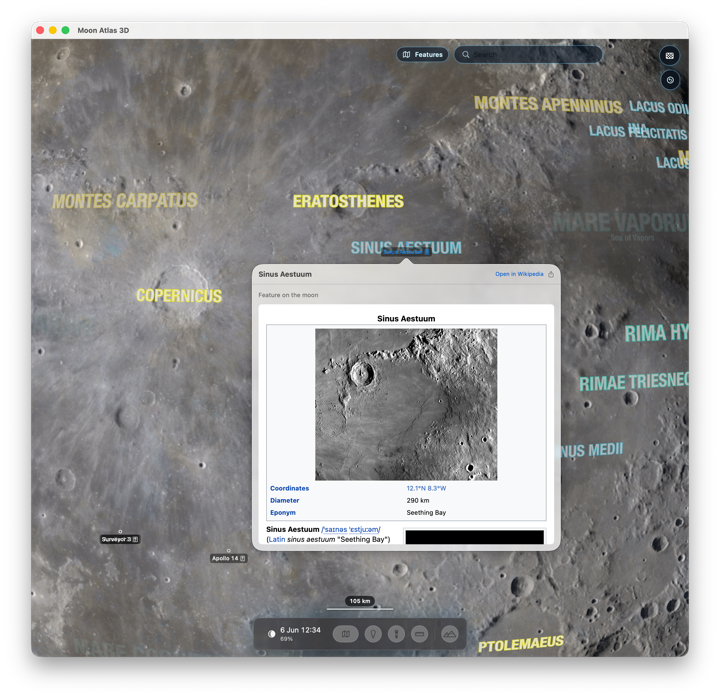
 Search keeps the whole thing practical. Type the name of a lunar feature, jump to it, and keep your bearings with readable labels. Curated Wikipedia popovers are available for supported features, so a quick look can turn into a small research detour in the best possible way.
There is also an illumination control for setting the date and time and scrubbing the light across the surface. Watching the terminator move over the relief is exactly as satisfying as it sounds. Add the scale bar and measurement tool, and Moon Atlas 3D becomes both a beautiful globe and a useful little lunar workbench.
Wikipedia article links
Hundreds of surface features named and linked
 The vibe is simple: spin the Moon, find famous places, switch on nerdy overlays, measure interesting bits, and enjoy the fact that lunar geography is much easier to visit when it lives on your screen.
False colour overlay
See height relief and geology as a colour coded overlay
 A single purchase will set up with iPhone, iPad *and* Mac apps - now that’s a deal!
The Moon too monochrome for you? How about exploring Mars instead in glorious full colour: check out Mars Atlas 3D or Mercury: Mercury Atlas 3D
Download from the App Store now