Mars Atlas 3D

Mars Atlas 3D is for anyone who has ever looked at Mars and thought, reasonably, “I would like to spin that around and inspect the interesting bits.”
Realistic 3D Globe
Accurate lighting and surface shadows
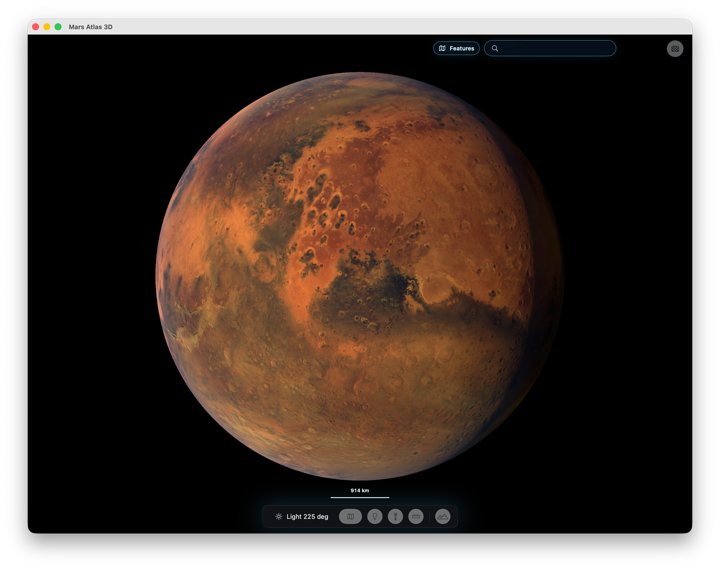 The app turns Mars into an interactive 3D globe you can rotate, zoom, search, and explore. You can move from the whole planet down into detailed surface views, then jump straight to named features like craters, mountains, valleys, canyons, plains, regions, ridges, landforms, and landing sites. It is the kind of atlas where Olympus Mons, Valles Marineris, and rover neighbourhoods can all sit in the same afternoon wander.
## Wikipedia article links
### Hundreds of surface features named and linked
The app turns Mars into an interactive 3D globe you can rotate, zoom, search, and explore. You can move from the whole planet down into detailed surface views, then jump straight to named features like craters, mountains, valleys, canyons, plains, regions, ridges, landforms, and landing sites. It is the kind of atlas where Olympus Mons, Valles Marineris, and rover neighbourhoods can all sit in the same afternoon wander.
## Wikipedia article links
### Hundreds of surface features named and linked
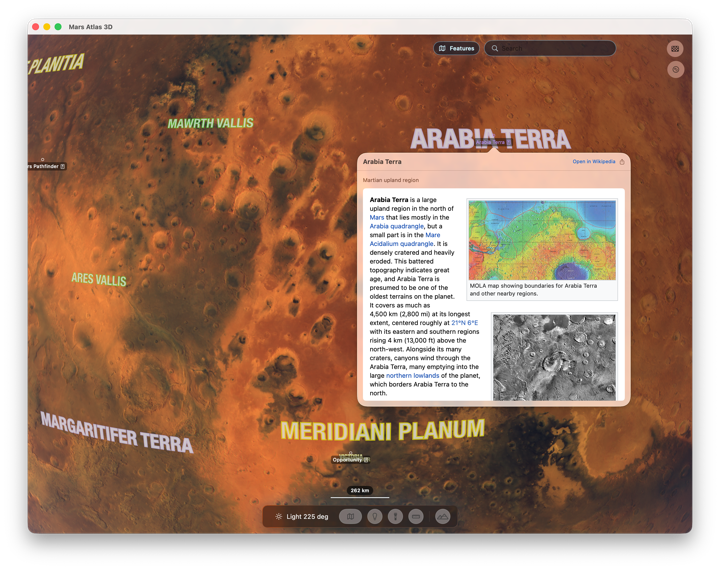
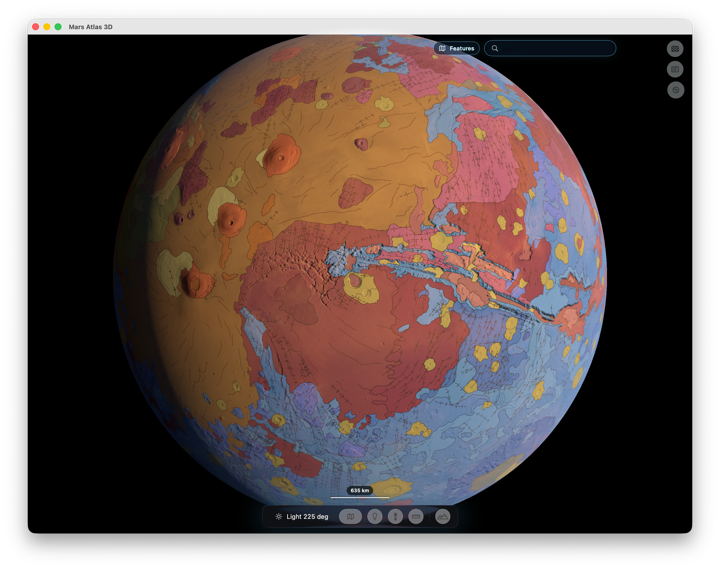
The surface is rendered with textured relief, so Mars feels like a place with terrain instead of a red marble on a stick. Surface Options let you change quality levels, include satellite imagery, and switch on map overlays such as a geologic map or false-colour height map.
Satellite imagery
Zoom in closer and you’ll see real satellite surface imagery
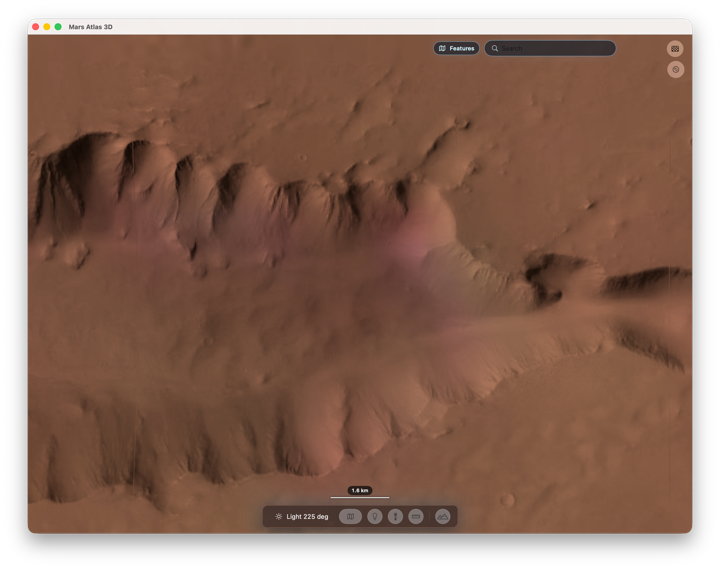 Mars Atlas 3D also has the practical exploring tools you want in a proper globe app: readable feature labels, search, shareable location links, a scale bar, and a measurement tool for checking distances without pretending your thumb on the screen is scientific equipment.
False colour overlay
See height relief and geology as a colour coded overlay
 Then Mars gets its own extra trick: atmosphere and terraforming controls. You can toggle the atmosphere, turn on terraforming, and move a control that changes the ocean, cloud, and surface presentation. It is not a quiet little checkbox; it is a compact "what if?" machine for watching Mars become a different version of itself.
Terraforming - what if?
Interactive sea level and vegetation cover
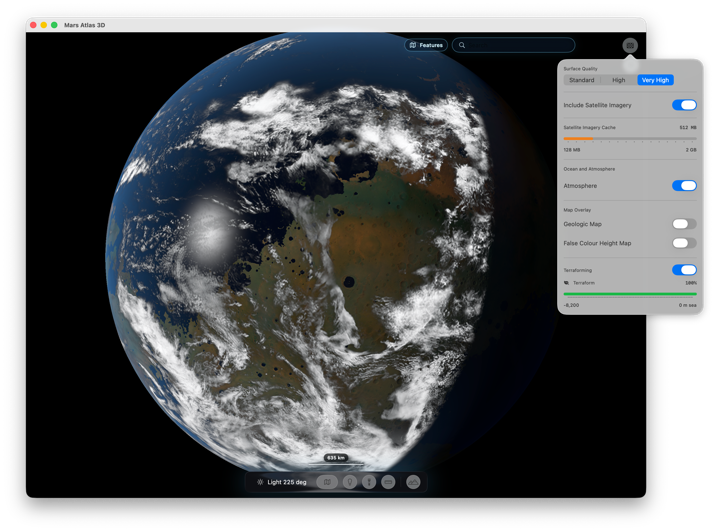 Lighting controls round it out, letting you adjust illumination and see the surface respond smoothly. The result is part atlas, part planet viewer, part sandbox for Martian daydreaming, and very much a practical tool for getting familiar with the red planet’s geography.
A single purchase will set up with iPhone, iPad and Mac apps - out of this world!
Want to see something closer to home? Then check out Moon Atlas 3D and Mercury Atlas 3D
Download on the App Store now.